Free Next Day Delivery Over £20 | Same Day Dispatch

How to Write a Google Review Without Using a Gmail Account
Did you know that you can write a Google review without a Gmail account?
If you’re hoping to review us on Google, you don’t need a Gmail account. Simply follow the steps outlined below.
Once you’ve navigated to our Google Reviews page, click “Write a Review.”
Review Vape Green on GoogleHere, you’ll be prompted to sign into your Google account. If you don’t have a Google or Gmail account, click “create account”—but don't worry. There’s no need to sign up for Gmail.

When you click “create an account,” there’s an option to input your personal email address—regardless of your provider—as shown here.

Click this option, then enter your details and create a password for your new Google account.
You will then be redirected back to the review page, where you can rate us and leave feedback on our services.
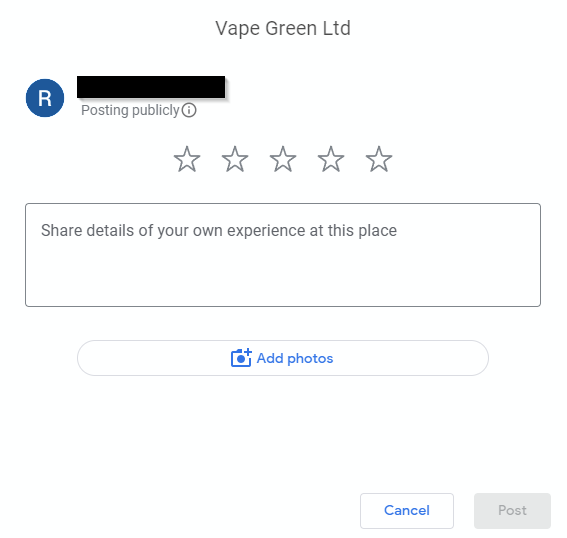
We welcome and encourage any and all feedback, good or bad.
If you encounter any issues trying to write a review for us, please contact us via live chat or email so we can give you a hand.
Review Vape Green on Google